 BerryCam
iPhone, iPad · Raspberry Pi camera controller
Raspberry Pi camera.
Controlled from iPhone.
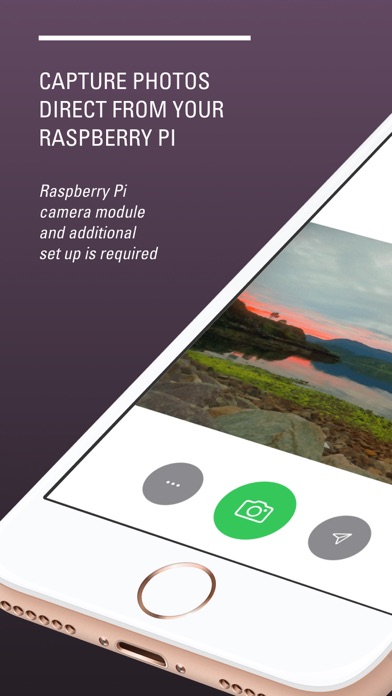
BerryCam lets you control a Raspberry Pi camera module from your iPhone or iPad with a simple interface. Preview, adjust exposure modes and special effects, and save captures to your camera roll and Raspberry Pi without learning SSH commands.


Features
-
Remote control
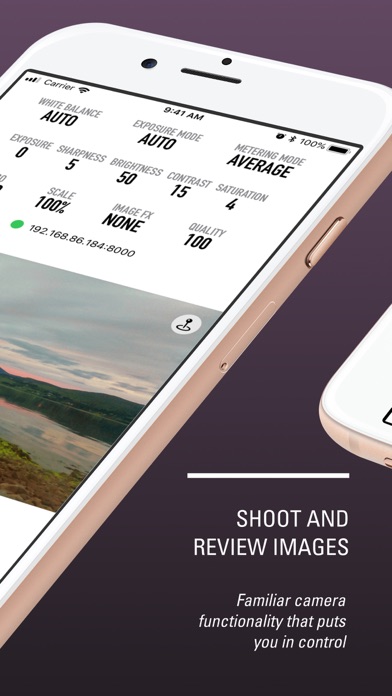
Control Raspberry Pi camera module settings from iPhone or iPad.
-
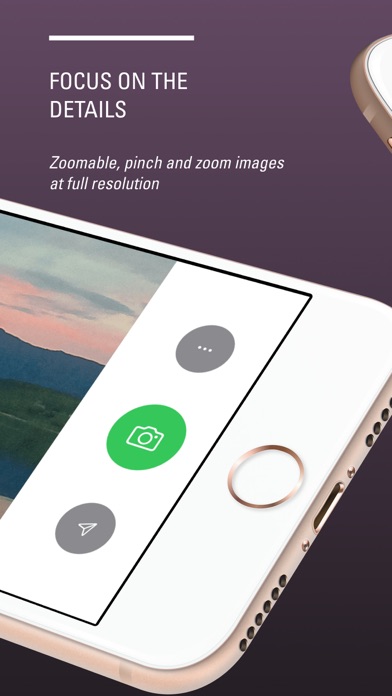
Live preview
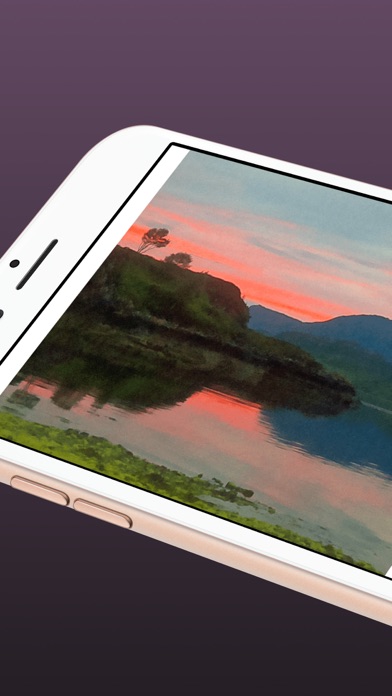
Quickly preview your images on your iOS device before capturing stills.
-
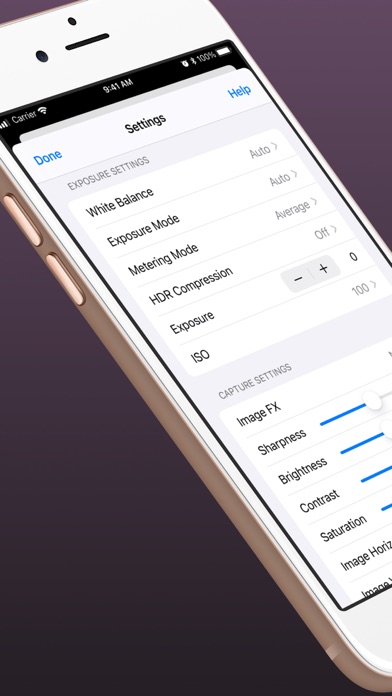
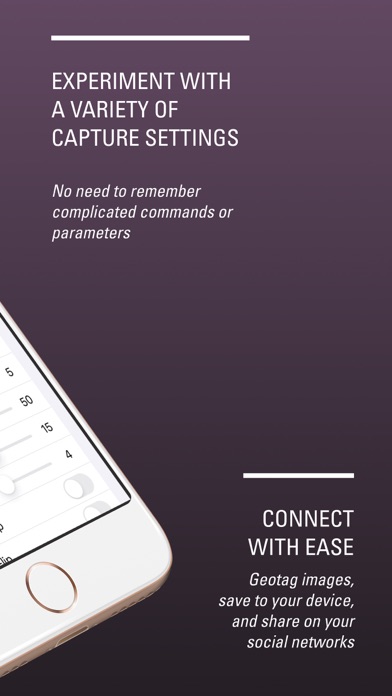
Simple interface
Adjust exposure modes and special effects without command-line setup.
-
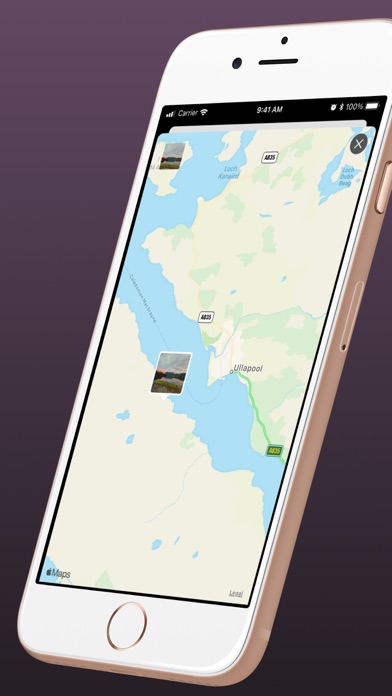
Save both sides
Captured images can be saved to your camera roll and to the Raspberry Pi.
-
Great for projects
A great way to experiment with Raspberry Pi camera workflows or kickstart an IoT project.
-
Free download
Available free on the App Store.
Frequently Asked Questions
What do I need to use BerryCam?
A Raspberry Pi with a compatible camera module and an iPhone or iPad running iOS 14 or iPadOS 14 or later.
Do I need internet access?
You need network connectivity between iPhone and Raspberry Pi, but no subscription service is required.
Where are captures saved?
Captured images can be saved to your iPhone camera roll and are also saved on the Raspberry Pi.
How do I get started?
Start with the BerryCam Support pages and follow the additional setup guides there for setup details and support files.
Safe and appropriate use
Please make sure your local network security is configured correctly before using BerryCam. We cannot take responsibility for issues caused by network setup or device configuration. BerryCam is an experimental exploration tool, and is not intended for surveillance or any other inappropriate use.